Sometimes I get phone calls because I work in accessibility often from friends who have seen my work and are looking for creative solutions. Often those calls send me back to do my own research cause I simply don’t know the answer, and honestly, I like that part of the work.
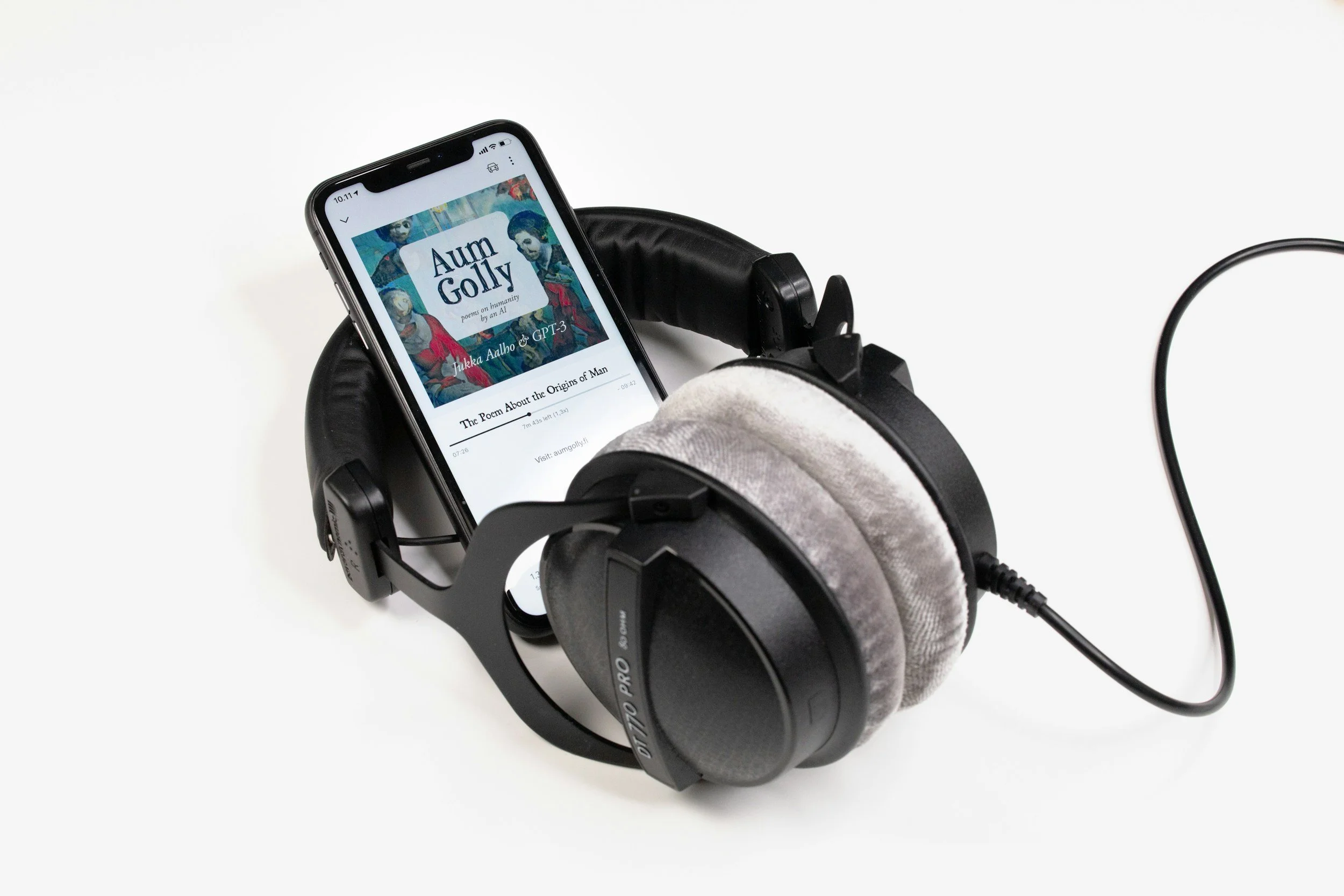
Recently, a good friend and colleague called because they wanted to help a patient find a way to read independently. The patient has advanced muscular dystrophy and no functional use of her head or limbs. She has been using audiobooks because she can no longer physically turn the pages of a book, but she misses the act of reading.
That stuck with me.
I think people sometimes assume that access is equality. In this case, this looks like having access to audiobooks is the same as reading. I know many people from the general population who LOVE audiobooks, and prefer them as their main method of reading. However, I also understand the joy of sitting down with a physical book and getting lost in a story. Sometimes access to information and experience are not the same.
So, what can we do about this particular situation when someone can't use their hands?
One place to start is with voice commands. Depending on the device and the reading platform, a person may be able to speak commands to scroll through text, activate a next-page button, or navigate an app without touching the screen.
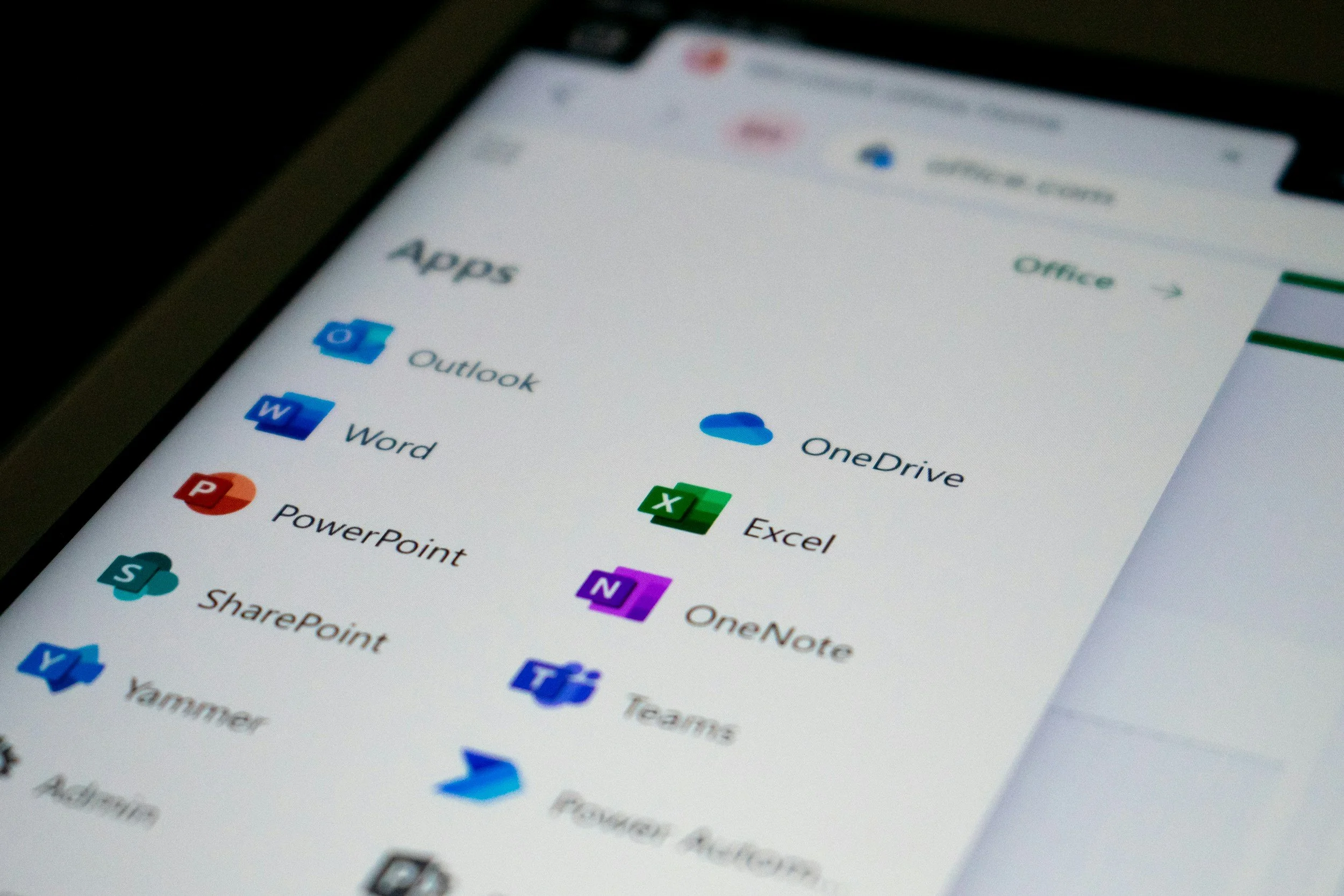
Here are a few options worth exploring:
Windows 11: Voice Access is built into Windows and allows users to open apps, navigate websites, scroll, and interact with on-screen controls using spoken commands. Start with Microsoft's Voice Access guide.
Mac: Apple's built-in Voice Control allows users to interact with apps, click controls, scroll, and dictate text. Learn more in Apple's Voice Control guide.
Android: Google's Voice Access supports commands such as “Scroll down,” “Tap next,” and “Show numbers” to identify controls on the screen. See Google's Voice Access instructions.
iPhone or iPad: Apple's Voice Control can provide hands-free interaction with compatible apps and screen controls.
The important detail is that voice control doesn't automatically mean every ebook page can be turned with a spoken command. Some books scroll continuously; others use fixed pages or a specific next-page control. The commands that work will depend on the device, app, and book format. Testing the actual reading platform is essential.
In this case, I recommended starting with the computer the person already uses, turning on its built-in voice-control feature, and practicing a few commands. Can she scroll down? Can she activate the next-page button? Can she return to the previous page? Can she do these things reliably without assistance?

This is also a good reminder that accessibility doesn't always require inventing something new. Sometimes the technology already exists, but we need to figure out how to make it work for a particular person. And we often have to do our own research as physical and occupational therapists may not have been trained in these tools when we started over 10 years ago.
I didn't know the answer when my friend called. I went looking for it. Now I have a few places to start, and hopefully, a reader can get back to doing something she loves on her own terms.